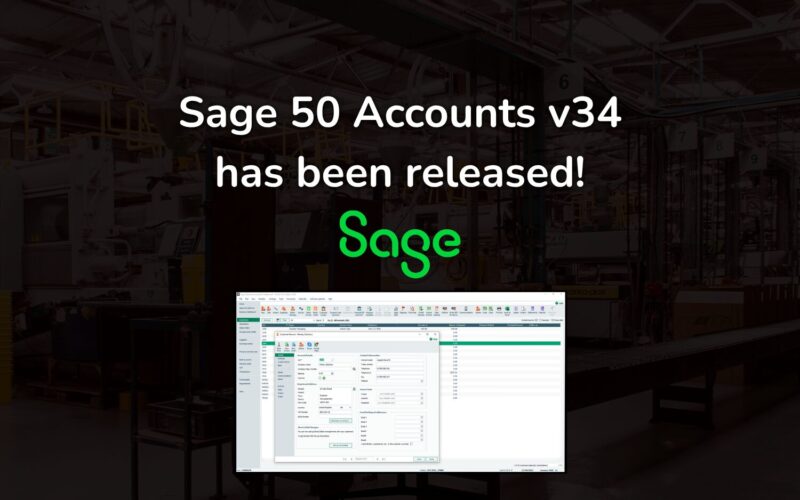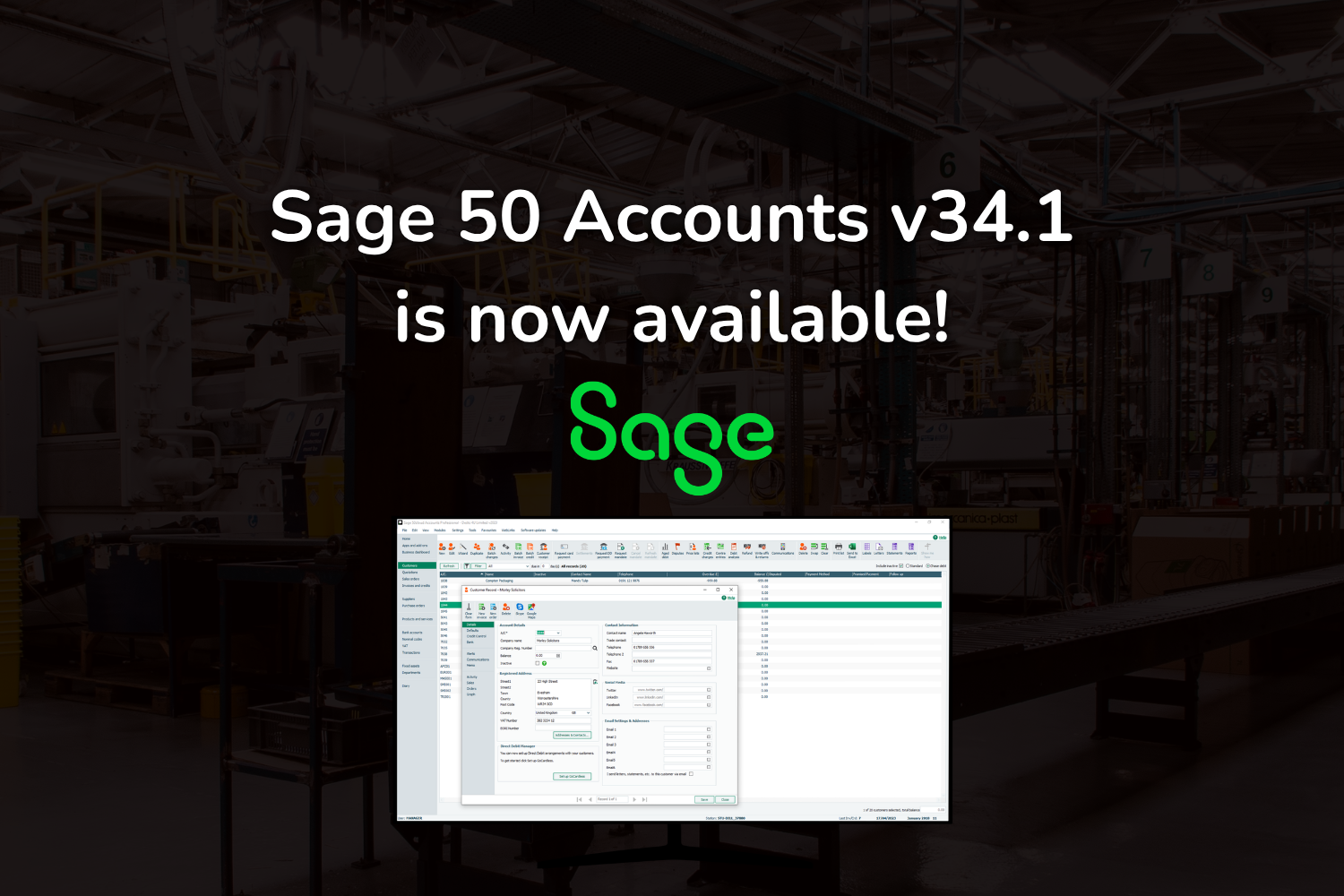
Sage has released Sage 50 Accounts v34.1, and we’re pleased to confirm that Cim50 has been fully tested and is compatible with the new version.
What’s new in Sage 50 Accounts v34.1?
v34.1 is an update that keeps Sage 50 in line with current UK and Irish rules. The main changes include:
- Making Tax Digital for Income Tax: Sage 50 now correctly triggers HMRC’s tax calculation when you submit quarterly updates, so you can see your tax estimates in HMRC’s online services after you submit.
- Irish VAT updates: Changes to the Return of Trading Details (RTD) form, and better default Irish tax codes for new companies.
For the full list of changes, see Sage’s v34.1 release notes.
Tested and ready for Cim50 users
Every time Sage releases a new version of Sage 50 Accounts, our team tests Cim50 against it before we confirm support. We check that your manufacturing processes keep running as they should, from bills of materials and works orders to stock control and the way data flows between Cim50 and Sage 50.
Cim50 passed that testing on v34.1, so you can upgrade Sage 50 knowing your production and stock processes will carry on as normal.
Before you upgrade:
- Take a full backup of your Sage 50 and Cim50 data first.
- Make sure you’re on a supported version of Cim50.
- Talk to your Sage support provider.
Need help?
If you’re not running v34 of Sage Accounts or v2026 of Cim50 Manufacturing, you’ll need a full upgrade. Should you require any assistance in upgrading your Sage 50 Accounts and Cim50 Manufacturing, CIM Software offers a peace of mind upgrade service. To take advantage of this, please contact us, and the team will be happy to advise how we can help. If you have sourced your Sage or CIM solution through one of our business partners, please contact them, and they will be happy to help with your upgrade.