
You can access the receive goods / amend receipt screen by pressing the External button on the main Stock Control list and selecting ‘Receive’.
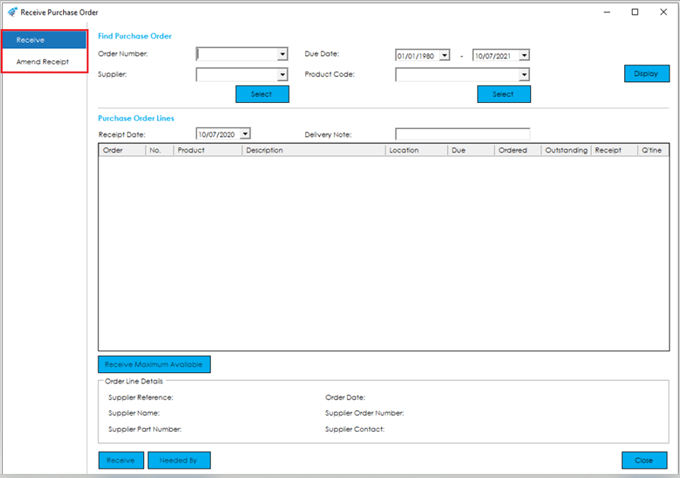
The screen will default to the ‘Receive’ screen.
Home > Knowledgebase > Cim50 > Stock Control > External Transactions > Receive Goods and Amend Receipts > Introduction
You can access the receive goods / amend receipt screen by pressing the External button on the main Stock Control list and selecting ‘Receive’.
The screen will default to the ‘Receive’ screen.